- Open the Find my ticket page.
- Open your bank app and look at the payment for your ticket purchase. Copy the description shown with this payment. You can copy the full text.
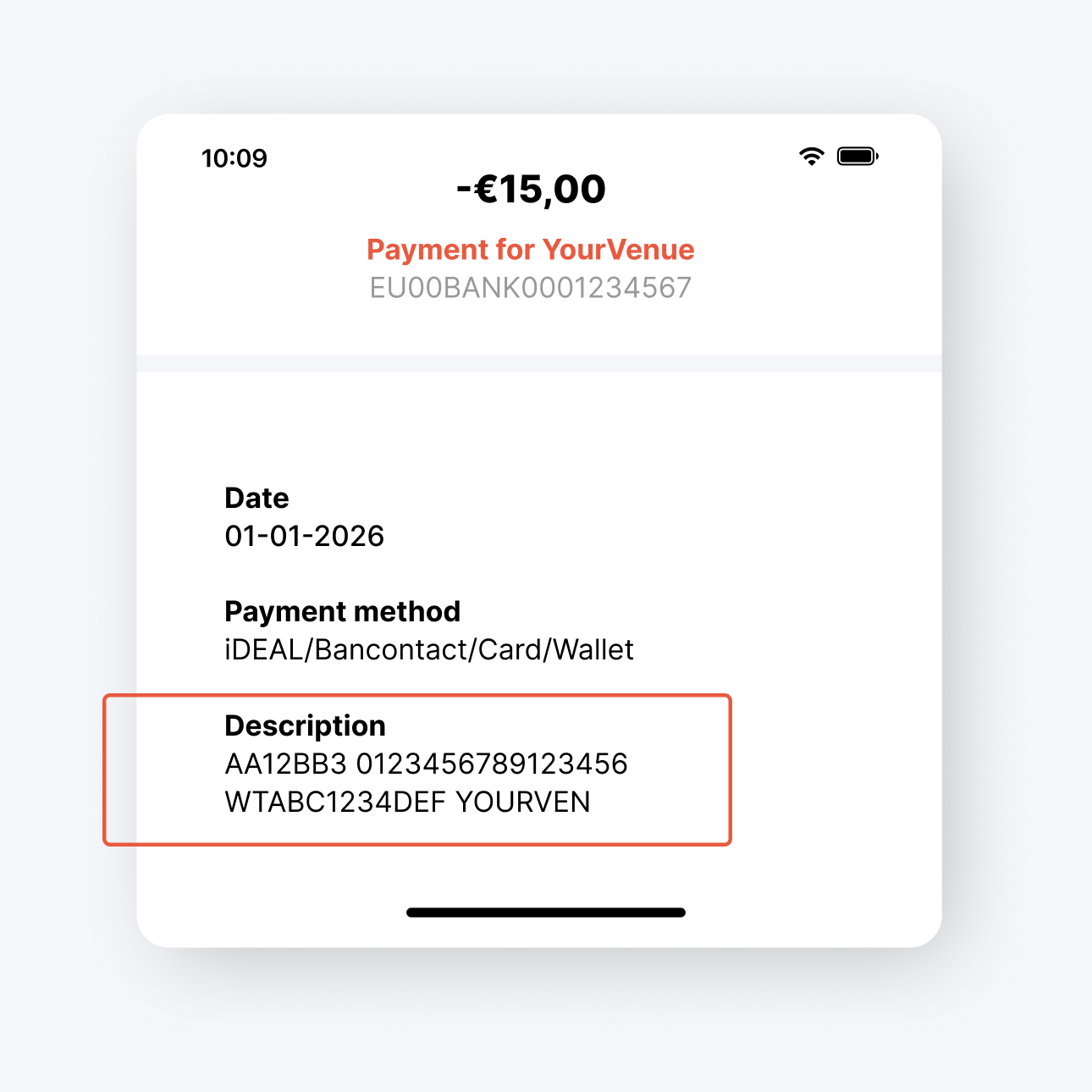
- Go back to the Find my ticket page and paste the copied text into the field called Payment Description.
- Click Retrieve Tickets.
- The system will recognise the correct order and retrieve your tickets.
Tip: You can paste the full description. If the code is valid, the system will immediately recognise which order it belongs to.