
Finding your tickets with the payment description
If you did not receive an email, entered the wrong email address, or cannot find your tickets for any reason you can easily retrieve them using the payment description from your bank app.
- Open the Find my ticket page.
- Open your bank app and look at the payment for your ticket purchase. Copy the description shown with this payment. You can copy the full text.
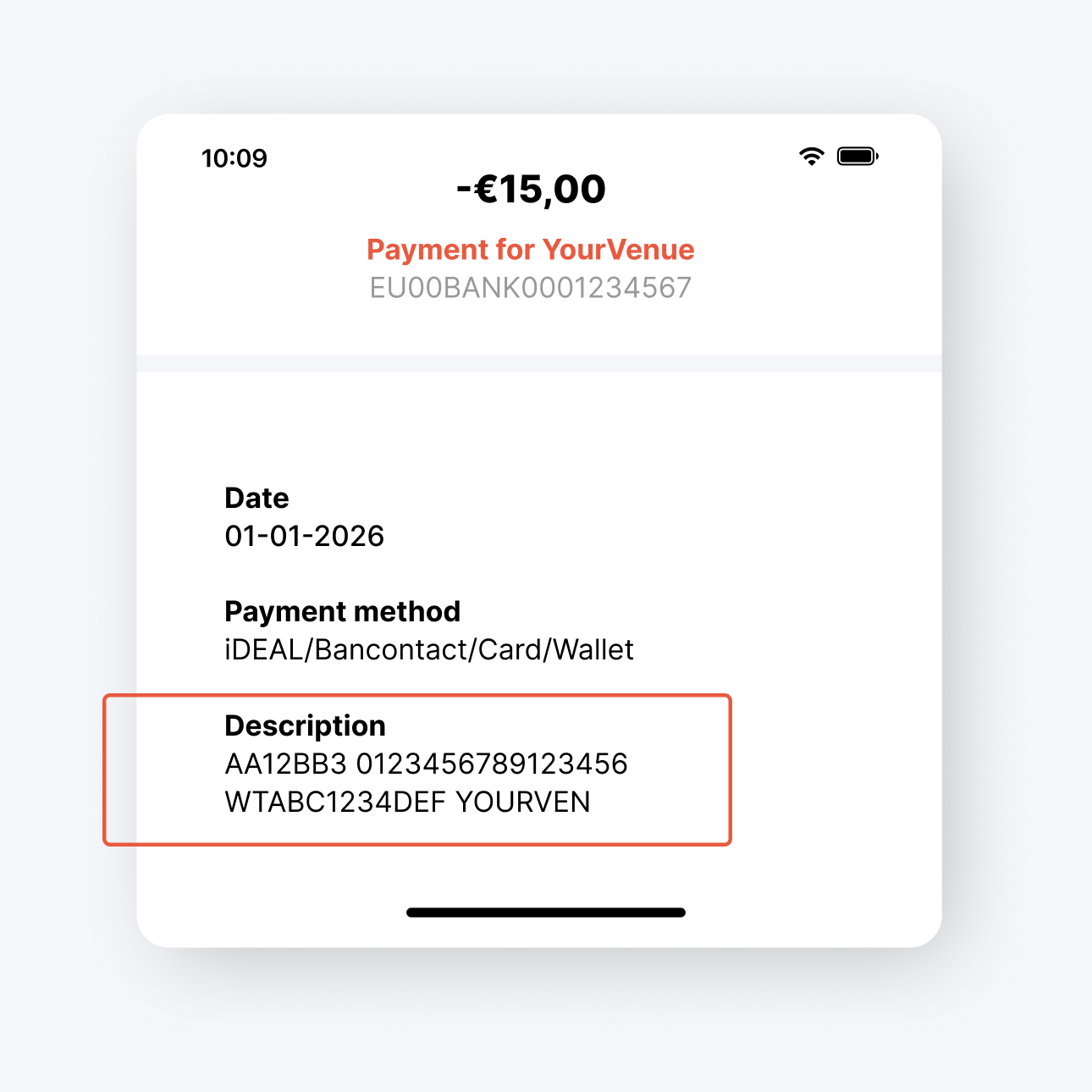
- Go back to the Find my ticket page and paste the copied text into the field called Payment Description.
- Click Retrieve Tickets.
- The system will recognise the correct order and retrieve your tickets.
Tip: You can paste the full description. If the code is valid the system will immediately recognise which order it belongs to.
